FionaVerified purchase
Works with the iPad too
Paired it to my iPad for note taking on the train and it behaves the same as on the laptop. Cursor control is smooth and the scroll works in every app I tried.
$29
Details
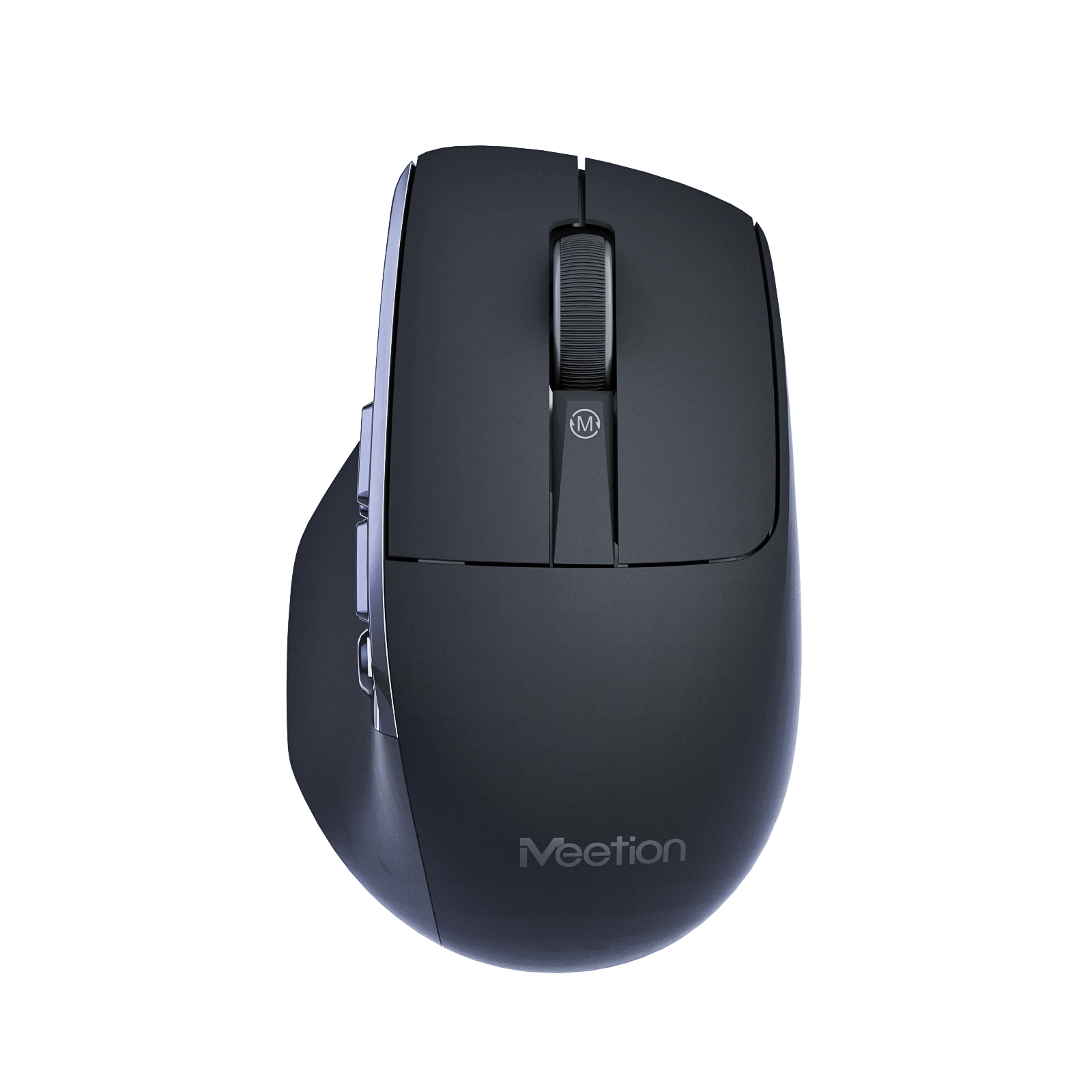
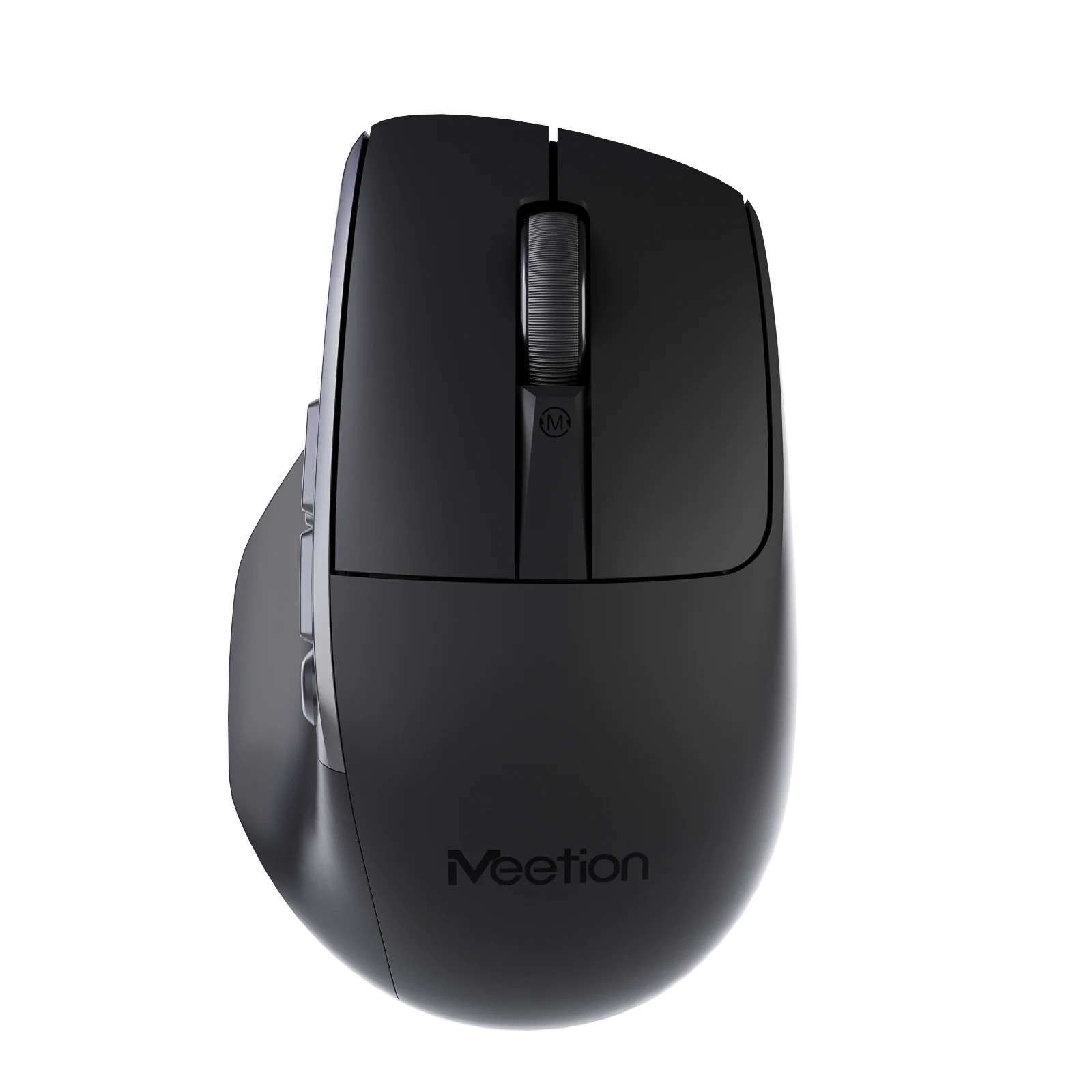
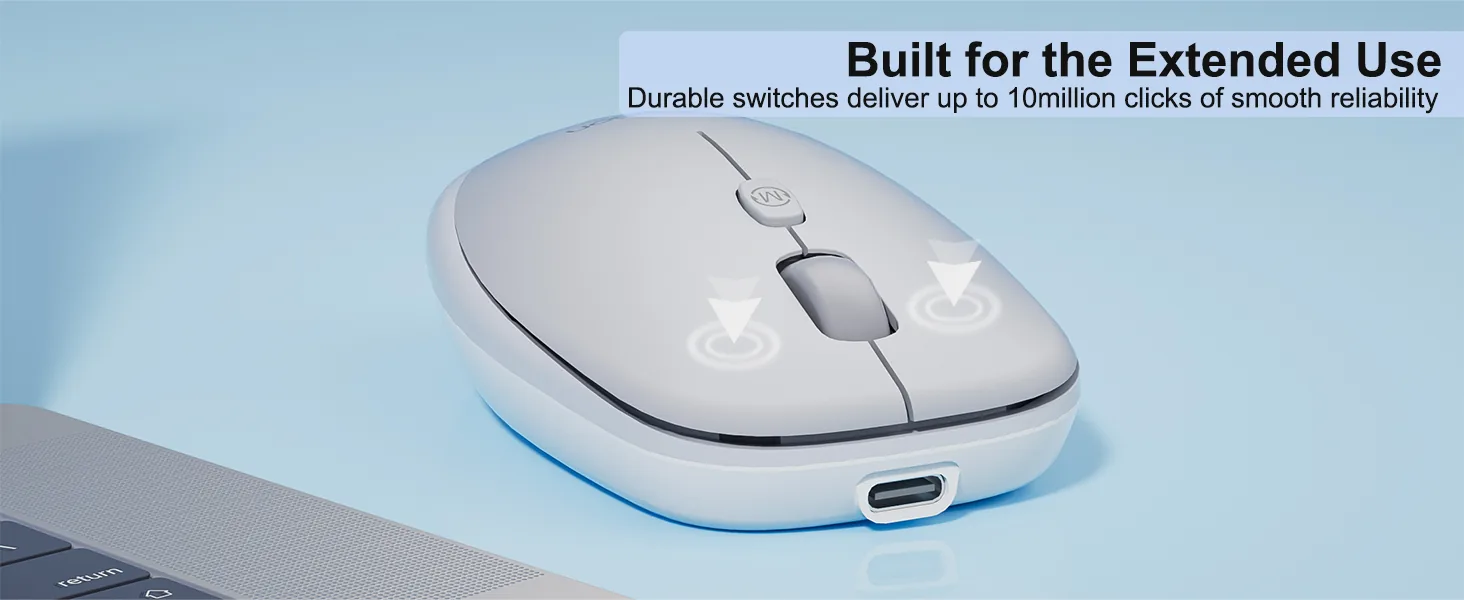
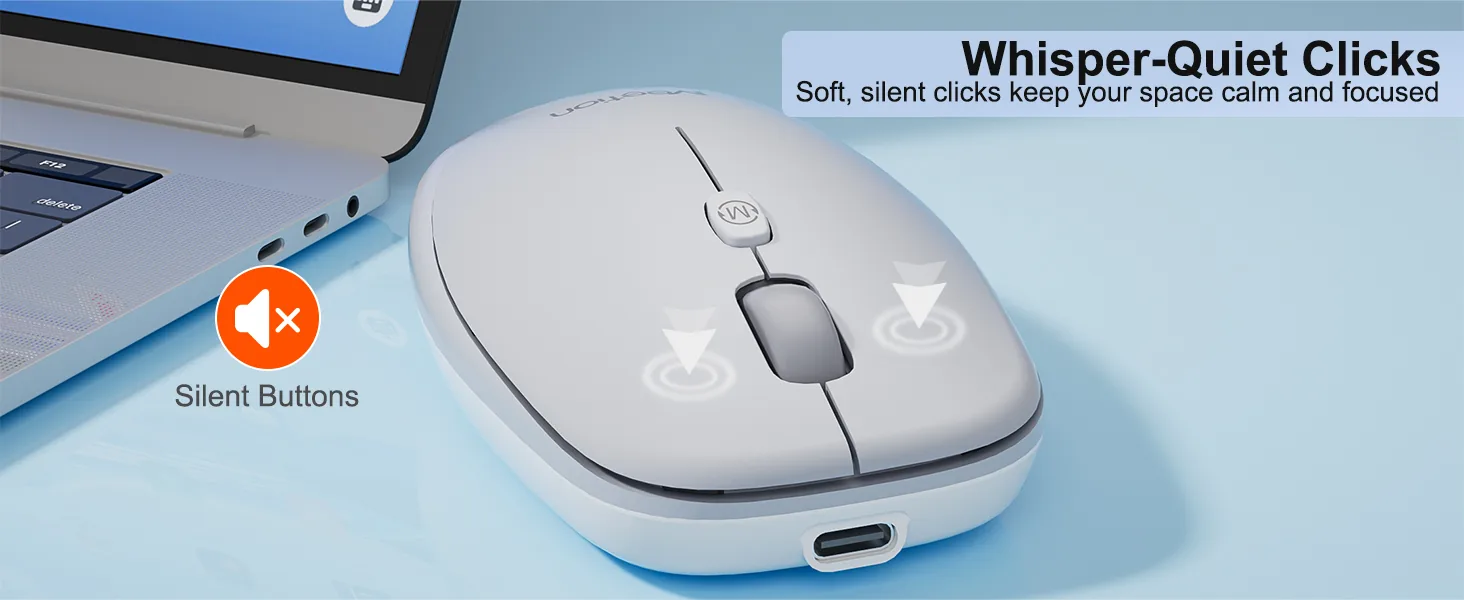
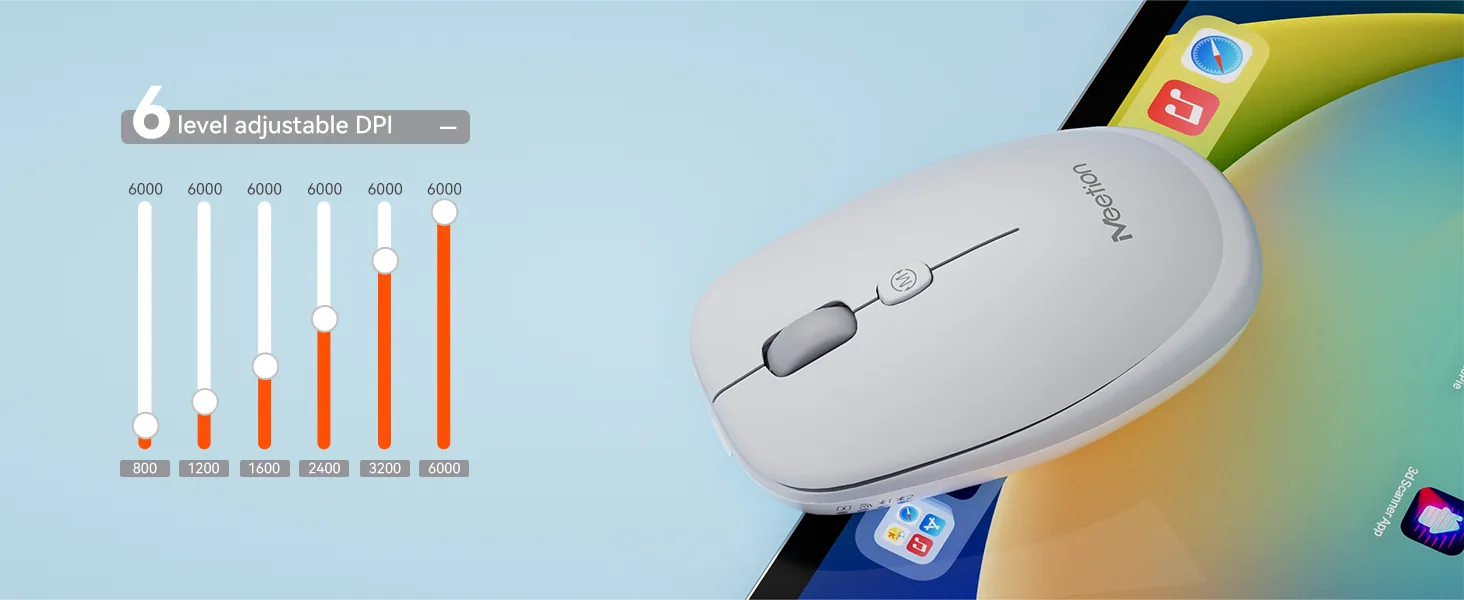
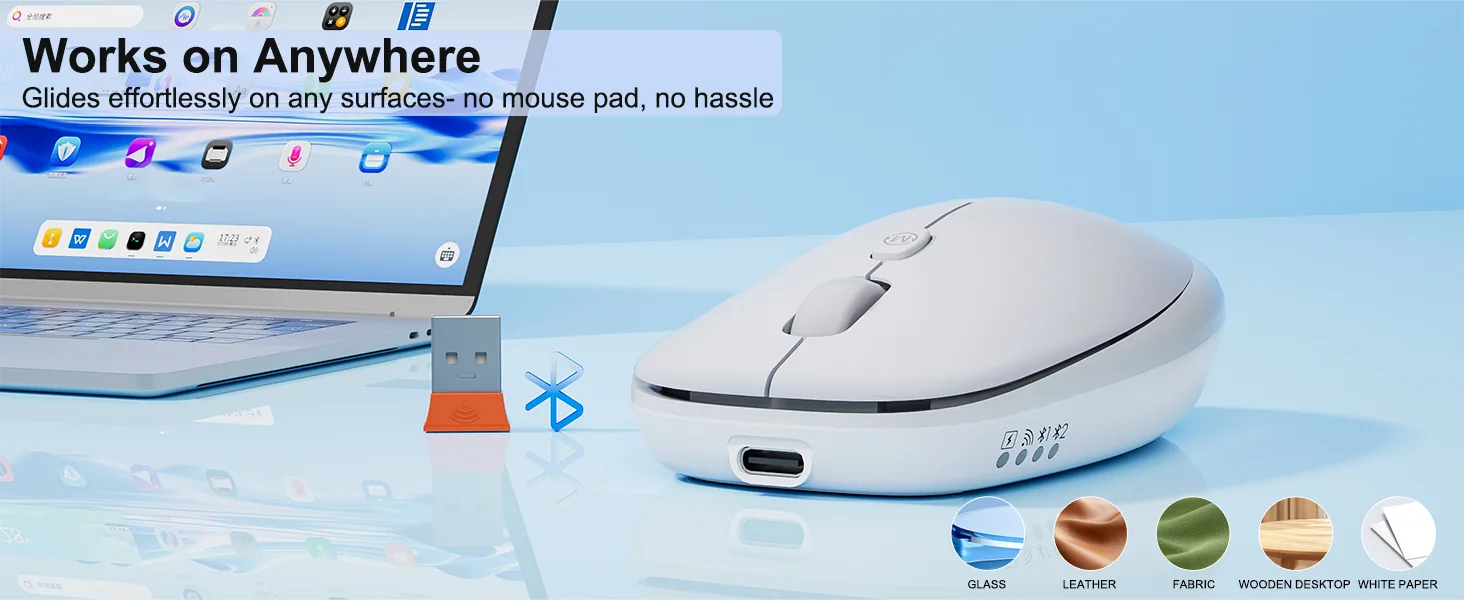
Glass Surface Compatibility, no mouse pad needed 2. ABS material 3. 500mAh battery, 1.6h charging for 100h working 4. Windows/MacOS support 5. 10M times Huano long life silent switch 6. 800-6000 DPI 7. 100*62*32mm / 57g
Color: White
In stock
System compatible Win XP/7/8/10/11, Vista, MacOS.
The mouse buttons are silently designed, whether in a quiet office, Studying in the library or working late at night will create a comfortable keystroke environment for you.
The new generation 500mAh built-in battery of low-power energy-saving technology, more energy-saving for 100h and benefits for environmental protection.
Customize your cursor speed with 6 DPI settings for ultimate accuracy. Choose from 800~6000 for pinpoint accuracy across tasks.
Equipped with a modern Type-C interface for quick and reliable power delivery in 1.6h Supports fast,stable charging through an easy-to-use Type-C connection
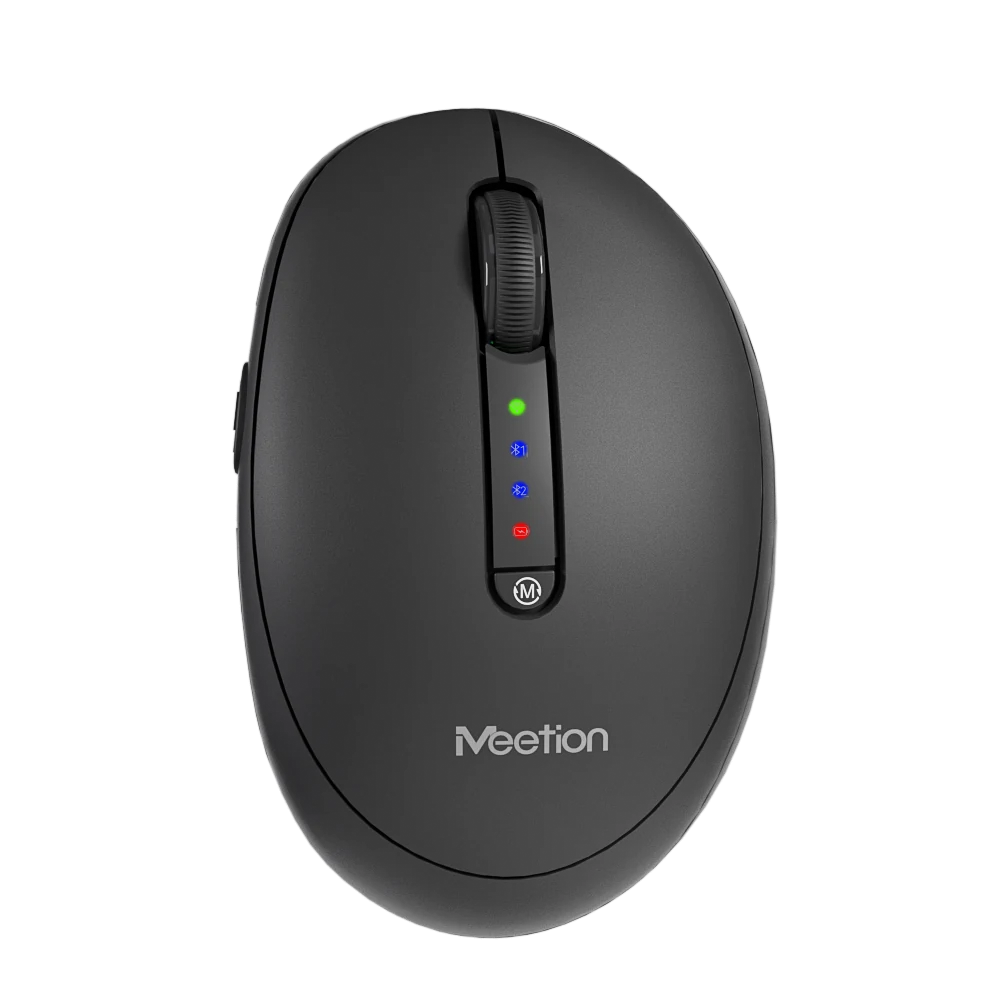
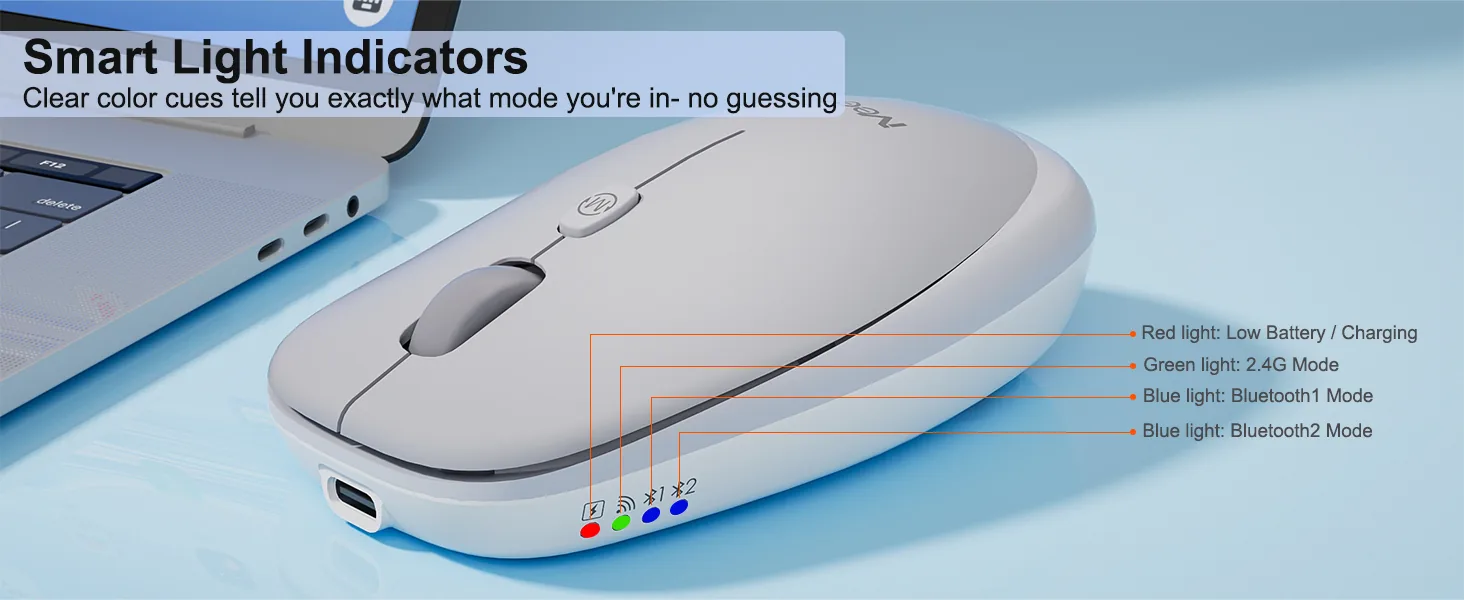
Can be connected to tablets, laptops and other smart devices by 2.4G and Bluetooth two channel, effective connection within 10 meters.

Based on 6 reviews
Showing 1–6 of 6 reviews
Paired it to my iPad for note taking on the train and it behaves the same as on the laptop. Cursor control is smooth and the scroll works in every app I tried.
Three people use the same workstation on rotation. Everyone finds it comfortable and nobody has to re-pair anything because it stays connected to the dock.
Plugged the receiver in, moved it, done. I have had enough of driver installs that want an account and a background service. This one just behaves like a mouse should.
Shape, battery, and connection are all solid. The wheel has almost no tactile step, which I still miss after a month. If you like a clicky wheel, try it before committing.
No complaints about tracking or comfort. The USB receiver is about the size of a fingernail, so it lives in the battery compartment whenever the mouse is in my bag. Nearly lost it in a hotel room once.
Two computers on one desk. The button on the bottom moves between them in under a second and it remembers after a reboot. No dongle swapping, no re-pairing.
Reviews are limited to verified buyers. Sign in with the email you ordered with and submit from your order page.
It supports 800-1200-1600-2400-3200-6000 DPI.
It connects via 2.4 GHz Wireless / Bluetooth.
It supports Windows/MacOS.
Download the Anywhere1 Wireless Mouse user manual. The page lists the languages and file size.
Need help with this product?
Submit an after-sales request with your order details, or browse manuals, software and setup videos.
User manuals
Anywhere1 User Manual
Anywhere1 User Manual
Anywhere1 User Manual
Anywhere1 User Manual